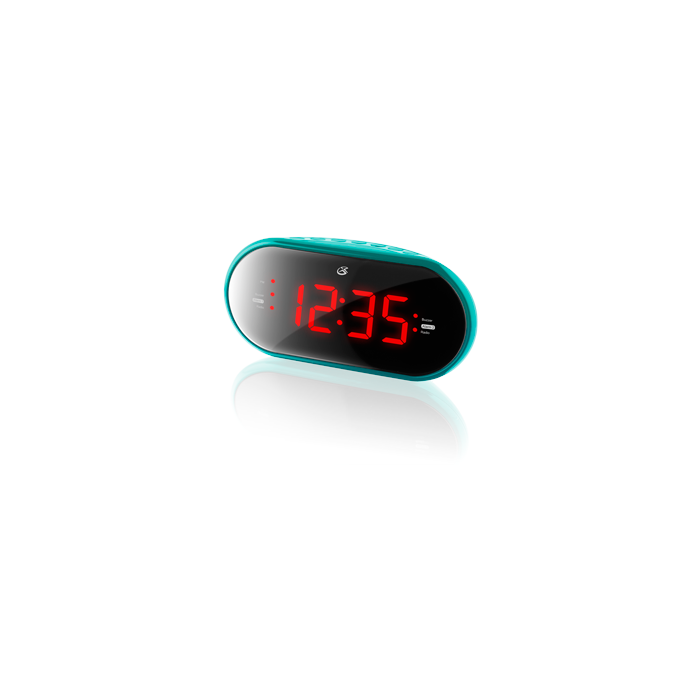
Exactly What You Need and Want - This clock radio has a dual alarm function to make sure you get up on time. Listen to your favorite radio stations anytime. Form and Function - The sleek styling looks great anywhere. Intuitive controls allow for easy operation and a large display is easy to read.
If in radio mode, press and hold the Source/Al Off button to turn the unit off.
Press and hold the Clock/Mem button until the display begins to blink, then release the button.
Press the Hour button to adjust the hour.The PM indicator will light when the hour is set in the PM.
Press the Min button to adjust the minute.
Press the Clock/Mem button to finish setting the time.
How Do I set the Alarm?
If in radio mode, press and hold the Source/Al Off button to turn the unit off.
Press the Al1 or Al2 button.
Press the Hour button to adjust the hour.The PM indicator will light when the hour is set in the PM.
Press the Min button to adjust the minute.The Alarm 1 or Alarm 2 indicator will come on.
Press the Al1 or Al2 buttons repeatedly to switch between Radio, Buzzer or off.If the alarm is set to Radio, use the Vol+/- buttons to adjust the volume of the alarm.
Once the set alarm time is reached, the alarm will sound.